Choosing a deal type
Four kinds of deals, what each one looks like to shoppers, and how to pick the right one for your products.
The app has four deal types. They all appear on the product page above your Add to Cart button (bundles appear just below it), and they can all carry free gifts, add-ons, badges and urgency messages.
Quick guide
| If you want shoppers to… | Use | Example |
|---|---|---|
| buy more of the same product | Quantity breaks | 1 for $35 · 2 for $59.50 · 3 for $78.75 |
| get something free when they buy enough | Buy X, get Y | Buy 2 pairs of socks, get 1 free |
| buy different products together | Bundles | Serum + cream + cleanser for $79.90 |
| mix any products from a range, or spend more | Volume discounts | Any 4 candles, 15% off · Spend $100, save 10% |
Quantity breaks
The most popular deal and the best place to start. Shoppers choose a pack size; bigger packs cost less per item.
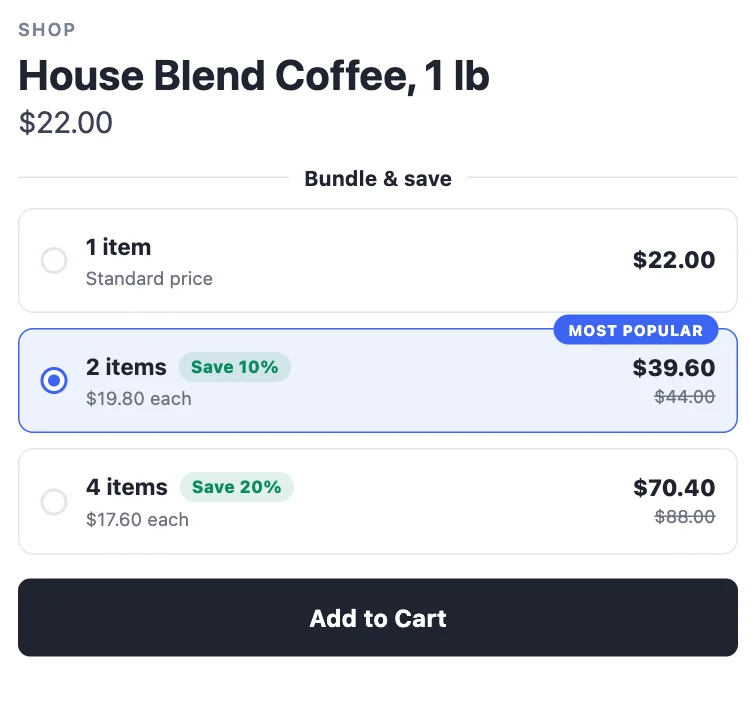
Best for: consumables and refills (coffee, skincare, supplements), basics (tees, socks), and gifts.
Buy X, get Y
Shoppers buy a number of items and get more free — or at a discount. "Free" is a powerful word, and BOGO offers are easy to understand at a glance.
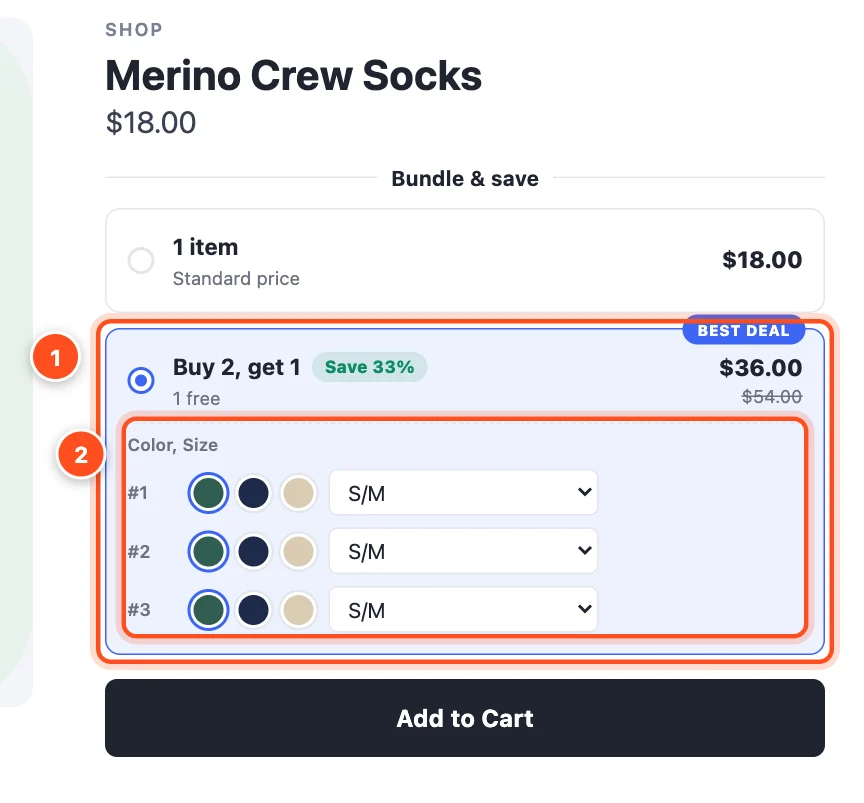
Best for: promotions and seasonal sales, clearing stock, and products with healthy margins.
Bundles
Sell different products together for one bundle price — the classic "frequently bought together" or "complete the set".
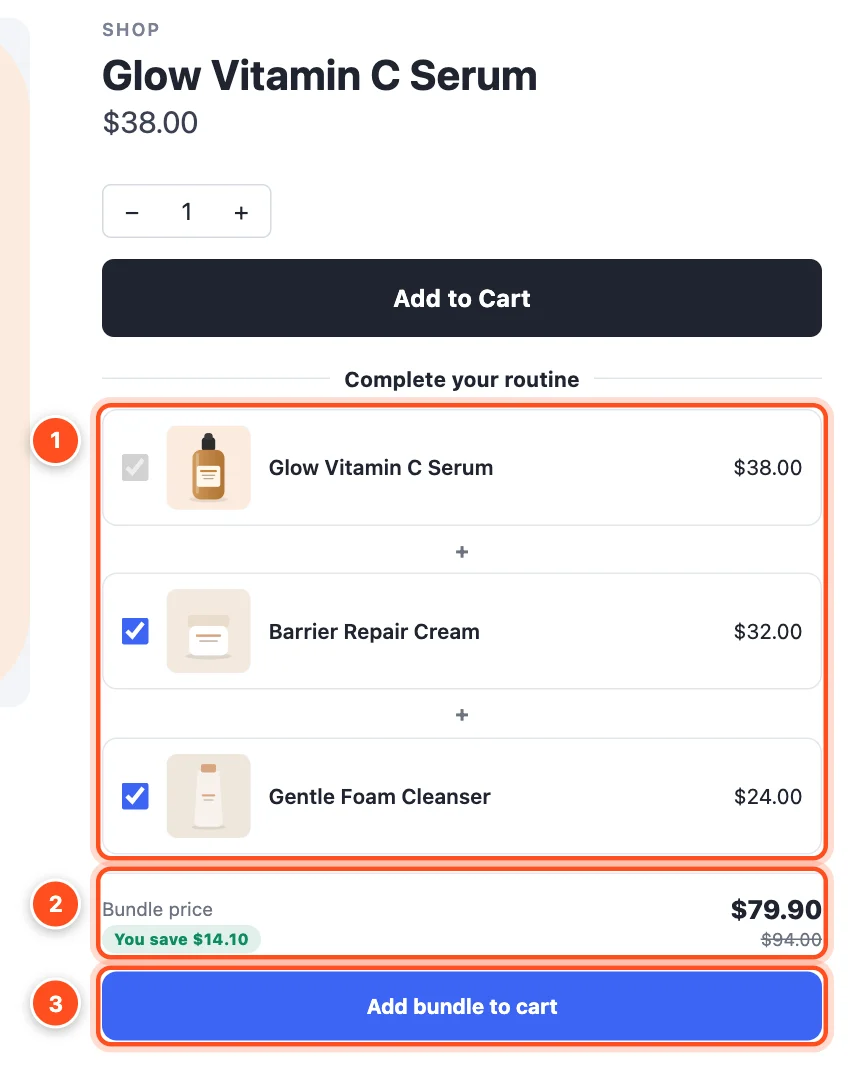
Best for: routines and kits (skincare, grooming, tools), outfits, and accessories that go with a main product.
Volume discounts
Any items the deal covers count together, so shoppers can mix and match — or you can reward cart spend instead of item count.
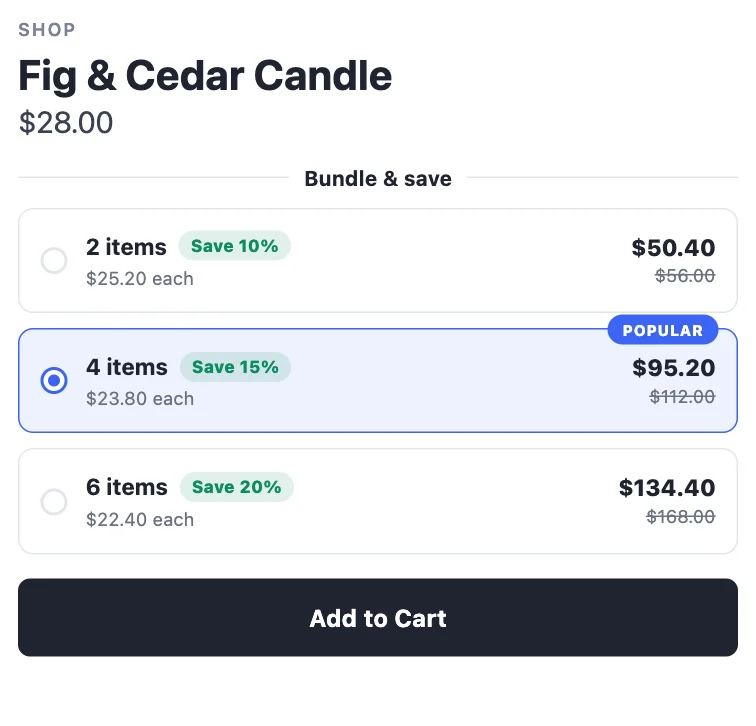
Best for: collections (candles, prints, snacks), wholesale-style pricing, and "spend more, save more" promotions.
Can I run more than one deal?
Yes — run as many as you like. If two deals of the same kind cover the same product, the one with the higher priority shows (and is charged); if they have the same priority, the older one wins. A bundle can show on the same product as a quantity break, because bundles appear in their own place below Add to Cart. The editor warns you when deals overlap. See Managing your deals.