Frequently asked questions
Short answers to the questions merchants ask most.
Getting started
Do I need a developer or any code? No. Everything is set up in the app, and the widget installs itself on your storefront.
Which themes does it work with? Any Stencil theme. It places itself next to your theme's Add to Cart button automatically. On heavily customized themes you can set the placement yourself.
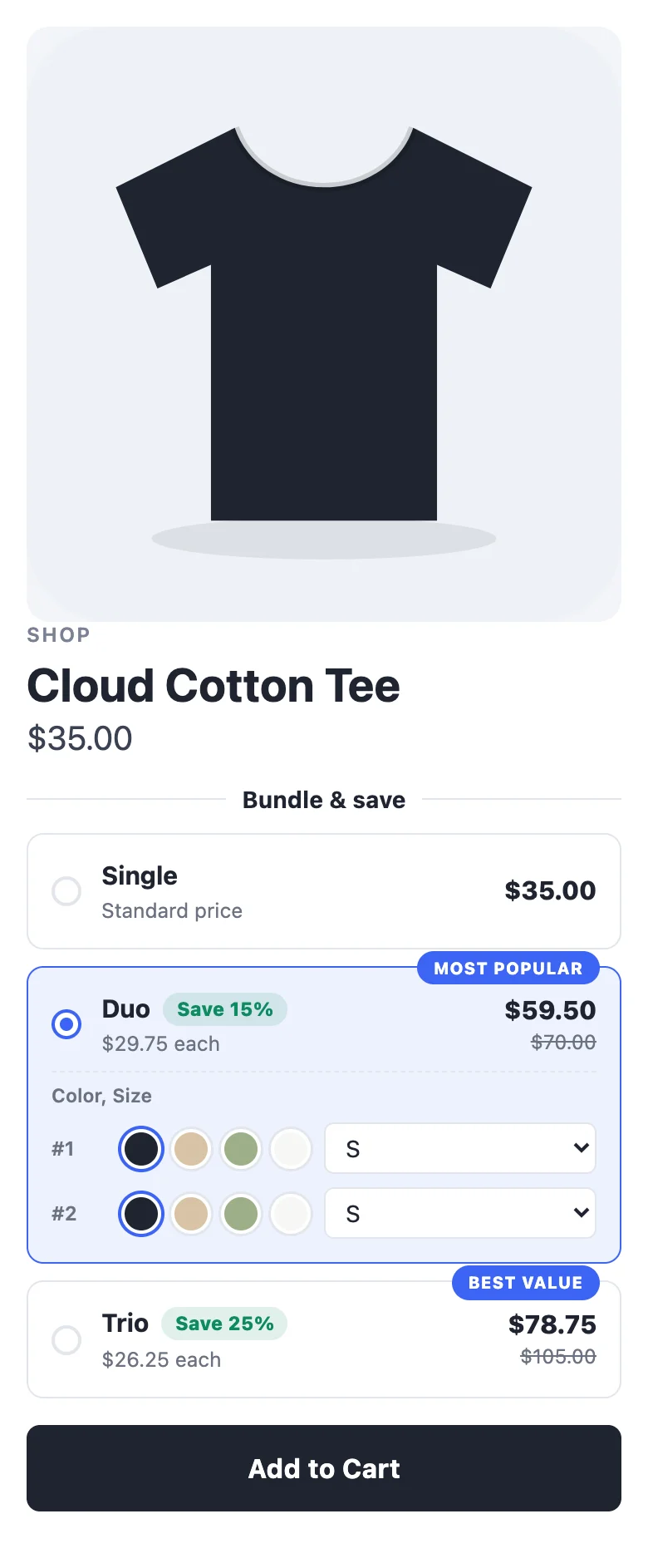
Do shoppers still use my theme's Add to Cart button? Yes. Picking a quantity deal sets your theme's quantity, and your own button adds it — so your cart drawer, product options and checkout keep working. The widget only adds items itself when your theme can't, such as mixed sizes, bundles and add-ons.
Will it slow my store down? No. The widget is about 40 KB, loads after the rest of your page, and draws itself in an isolated layer so it can't clash with your theme's styles.
Does it work on phones? Yes. The widget adapts to small screens, and an optional sticky Add to Cart bar keeps the deal in reach as shoppers scroll.
Prices and checkout
Do shoppers need a discount code? No. BigCommerce applies the discount automatically at checkout. See How discounts reach checkout.
Can shoppers combine deals with my coupon codes? By default, yes. Turn off Combine with other promotions under Offer → More options if you don't want them to stack.
Does it work with multiple currencies and prices with tax? Yes. The widget shows prices in whatever currency and tax display your theme is showing. Analytics are converted to your store currency.
What happens to items that are already on sale? By default they get the deal's discount too. Turn on Skip items already on sale to let them keep their sale price only.
Can I offer a deal only to some customers? Yes — limit it to customer groups, e.g. VIP or wholesale customers.
Deals
How many deals can I run? As many as you like, on every plan.
Two deals cover the same product. Which one shows? The one with the higher priority, then the older one. See When deals overlap.
Can I run a deal for a limited time? Yes — schedule a start and end date in Settings. It goes live and ends by itself.
Can I test a deal before shoppers see it? Yes. Keep it as a draft and use the live preview in the editor — it's drawn by the same code as your storefront. Or schedule it to start later.
Data and your account
What data does the app keep? Your deals and settings, daily performance totals, and which deal added which products to a cart (to attribute orders). It never stores shopper names, emails, addresses or payment details. Cart links are deleted after 90 days. See our privacy policy.
What happens if I uninstall? Every discount, script and webhook the app created is removed from your store immediately. Your app data is kept for 30 days in case you reinstall, then permanently deleted.
How is billing calculated? On additional revenue — what your deals added beyond the first item. See Plans and billing.
How do I get help? Click the chat bubble in the bottom-right corner of the app (or Help → Chat with us) — we can already see your store and plan, so you don't need to explain your setup. Or email support@feedbackflowhq.com. We usually reply within one business day.